Just gone thru the typical cycle of IDE install, add 3rd party board libraries, install packages, compile fail-fixes together with the usual rounds of “Google” and tech support emails. So this post is to help some get it right first time.
The “install and “Hello World” compile success!” result ..
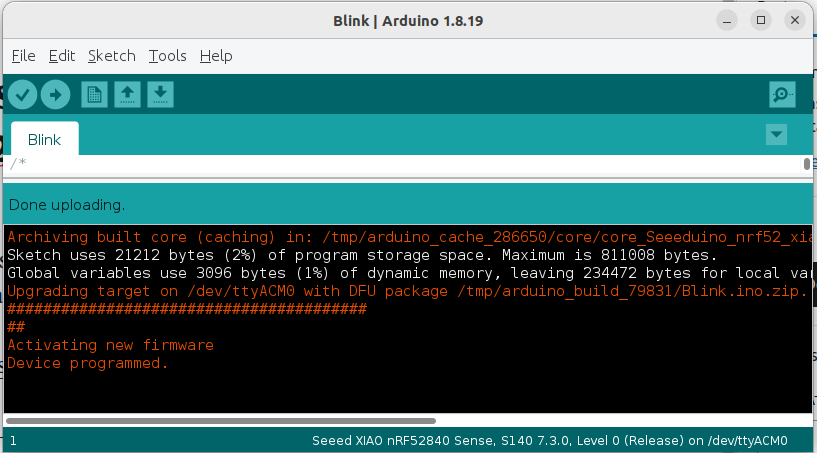
This is how to install and setup for the following situation (works for now … in 6 months …. )
Ubuntu 22.04 LTS (i7-1260P)
Arduino IDE 1.18.19
Seeed nRF52840 BLE Dev Board
1) Install Arduido IDE
$ sudo apt update
$ sudo apt install arduino
$ arduino --version
Picked up JAVA_TOOL_OPTIONS:
Loading configuration…
Initializing packages…
Preparing boards…
Arduino: 1.8.19
Then launch your Arduino IDE with $ arduino
2) Update Seeed nRF52840 libraries
First we need to add the following external Board Manager URL under File > Preference
https://files.seeedstudio.com/arduino/package_seeeduino_boards_index.json

Next, go to Tool > Board > Boards Manager and choose “Seeed nRFS2 Boards ver. 1.1.1” .. somehow, I had tried other versions .. just had all sorts of issues. So, I would start with proven version (if there is a newer version by now) ..

If all goes good. Plug in your nRFS52840 board to your laptop’s USB port (I used a USB-C to USB-A cable) then choose .. that board at whatever serial port it attaches to on your system. Next,
Tools > Board > Seeed nRFS2 Boards > Seeed Xiao nRF52840 Sense
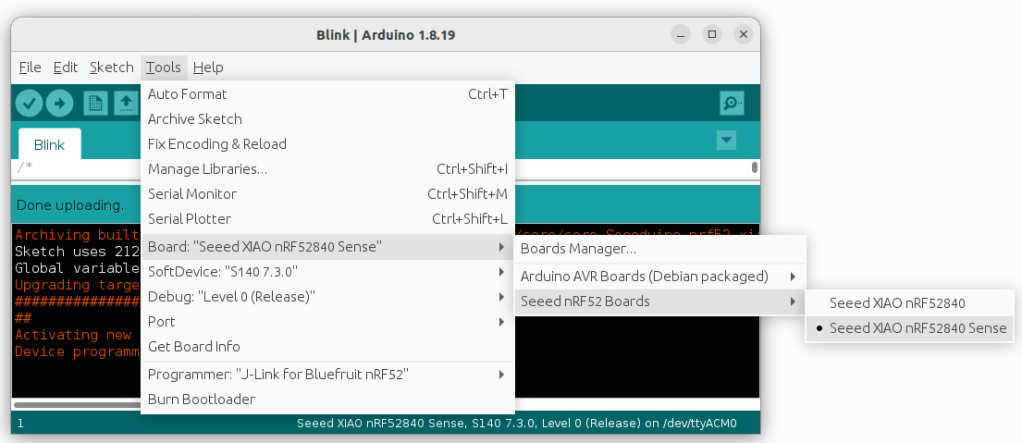
Settings so far ..

For testing, I will use the IoT “Hello World” … Blink!
So … chose File > Examples > 01.Basics > Blink and Click “Upload”!
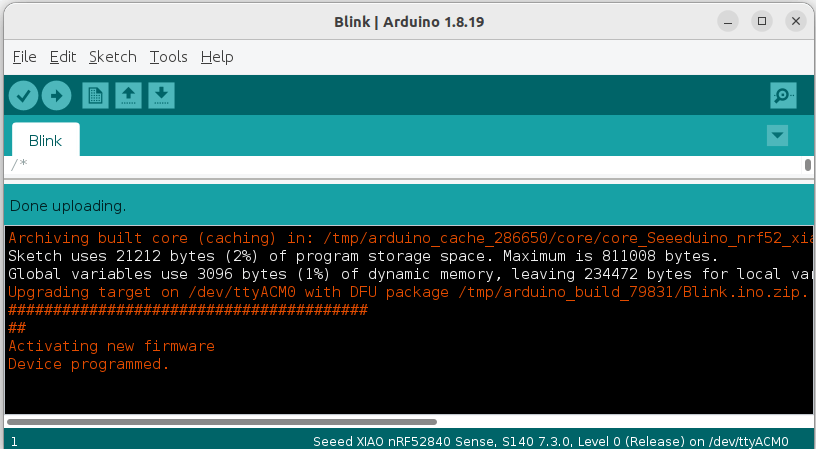

Ok! It is a little anti-climatic but we have crushed the new IDE/packages/library install chaos and now we spend some time to do some IoT sensor BLE data testing with our IMX8 gateway. Maybe even try out a few TinyML based vibration/noise time-series prediction tests for future applications in HVAC or mining sectors here.
Related posts
Latest posts
- Complete Step by Step : Image Classification with TensorFlow and CNN
- Voice recognition using Tensorflow Lite in nRFS52840 development board
- Tested Bard vs ChatGPT to write a Python script for MNIST digit prediction!
- Edge TPU vs CPU for OpenCV Object Detection on IMX8
- Tensorflow Lite CPU vs TPU. Take Two!
 Machine Learning for IoT .. an old school EEE rite of passage. Learn, Test, Integrate, Test and Deploy Solutions