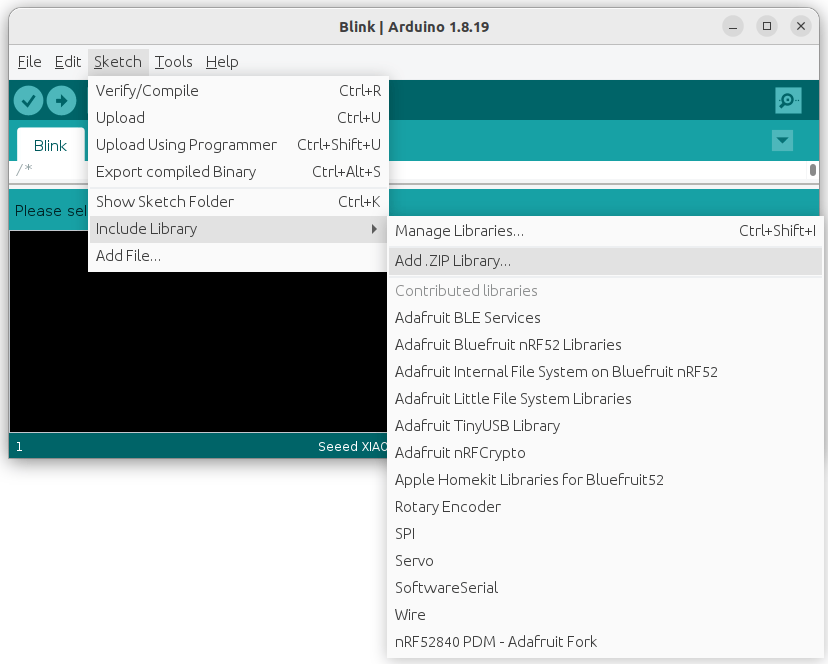
Go to https://github.com/lakshanthad/tflite-micro-arduino-examples and download the folder as a Zip file, the install the .ZIP file as an Include Library in your Arduino IDE.
We then open this train micro speech project Google Colab notebook..
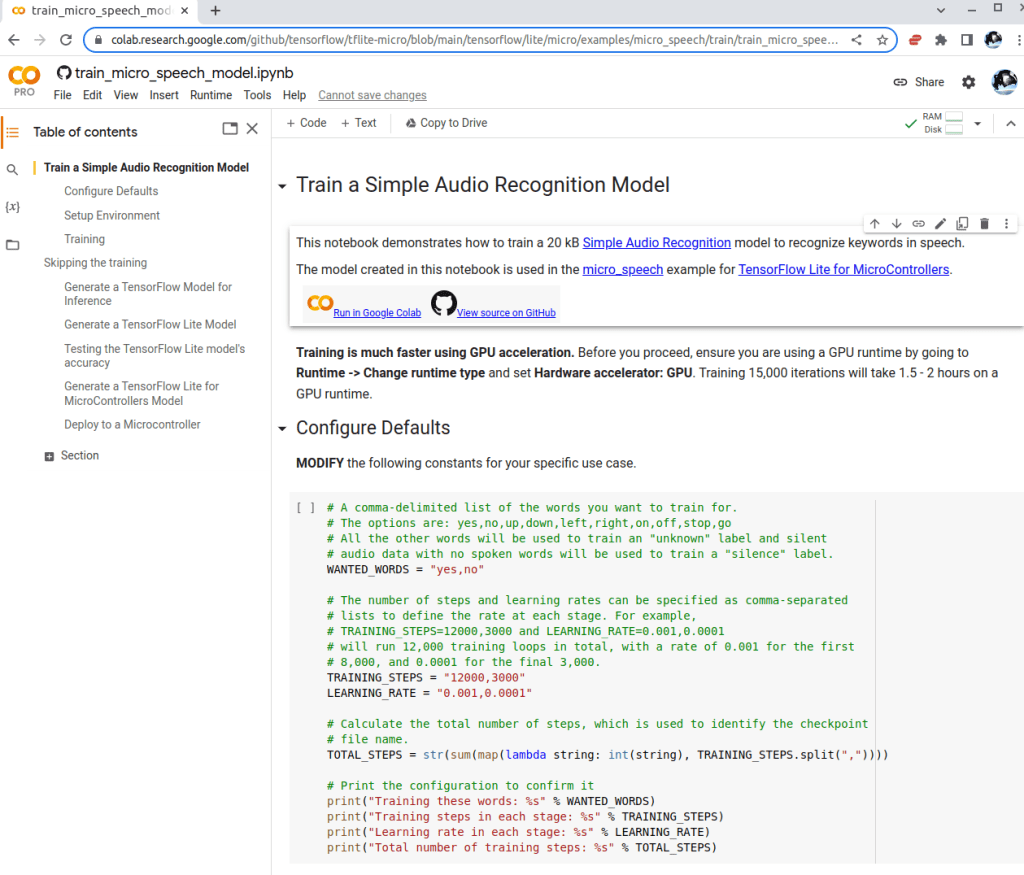
The project loads a labelled vocal words dataset with about 30 simple words like “yes”, “no”, “up”, “down”, “left”, “right”, “on”, “off”, “stop”…
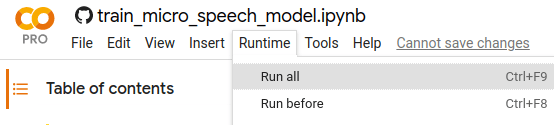
In the Configure Defaults, we can setup the wanted words that we want the device to detect and classify. Also, we can tweak the Training Steps and Learning Rate parameters. Next > Runtime > Run all ..
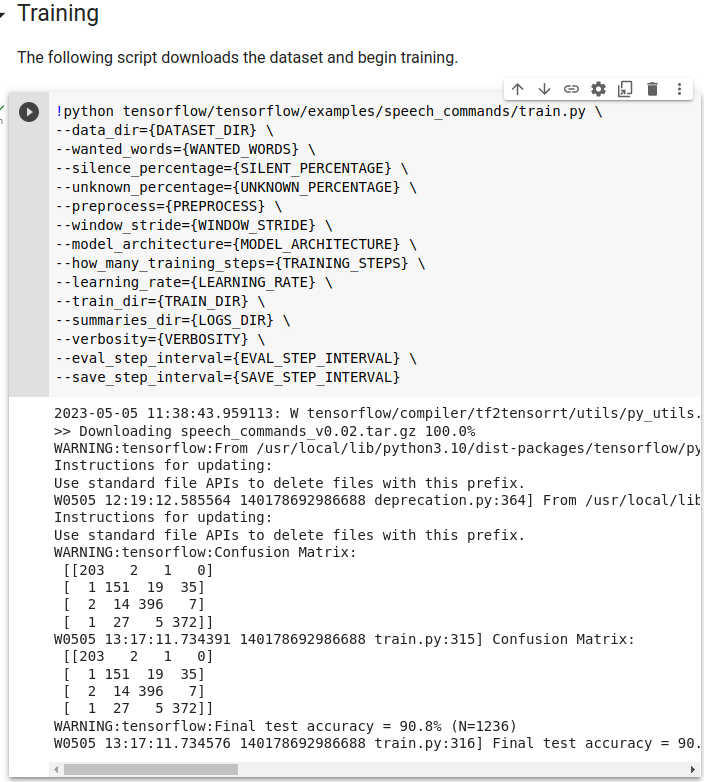
As we are using a very cheap (but not free) Colab Pro runtime, it’s gonna be a while to complete the training against the 2GB+ database .. after 2 hours
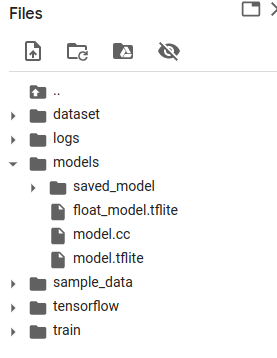
And convert to a light-weight Tensorflow Lite model …

… copy that model.cc file to your IDE laptop .. we will need it soon to run on our board
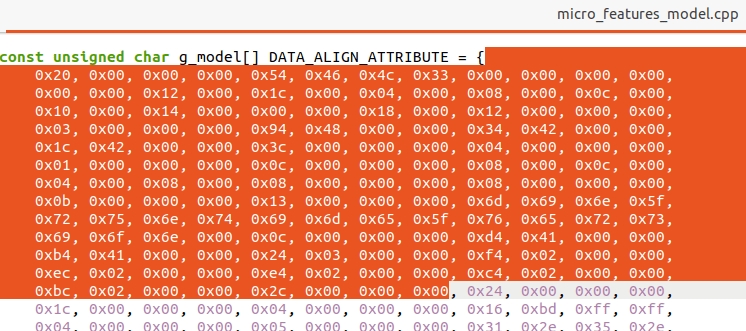
We need to replace the model for inference in our IDE laptop, i.e. the file ~/Arduino/libraries/tflite-micro-arduino-examples-main/examples/micro_speech/open micro_features_model.cpp and replace the with values from the model.cc downloaded from training in our Colab.
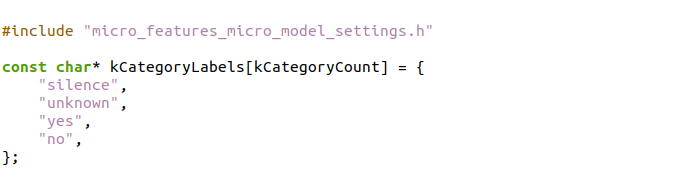
Then we update the micro_features_micro_model_settings.cpp file to reflect the target classification words, i.e. “yes” and “no”, besides the default “silence” and “unknown” states.
Finally, in micro_features_micro_model_settings.h .. make sure the kCategoryCount = 4, depending on the number of target words trained.
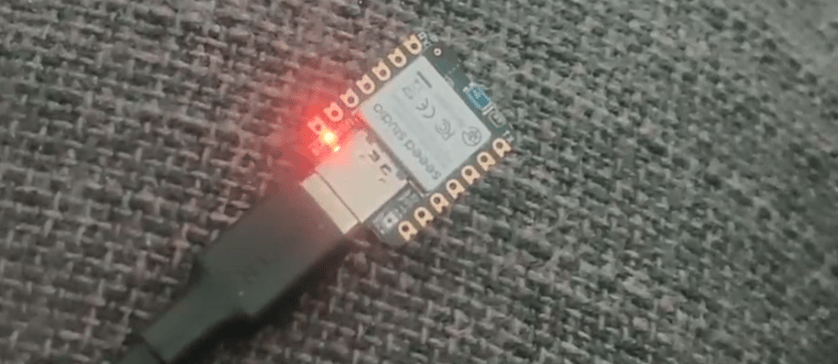
We can now go one to compile the code in our laptop and flash the executable over to the micro-sized Seeed Xiao nRFS52840 wireless SoC board
Related posts
Latests posts
- Complete Step by Step : Image Classification with TensorFlow and CNN
- Voice recognition using Tensorflow Lite in nRFS52840 development board
- Tested Bard vs ChatGPT to write a Python script for MNIST digit prediction!
- Edge TPU vs CPU for OpenCV Object Detection on IMX8
- Tensorflow Lite CPU vs TPU. Take Two!
 Machine Learning for IoT .. an old school EEE rite of passage. Learn, Test, Integrate, Test and Deploy Solutions