
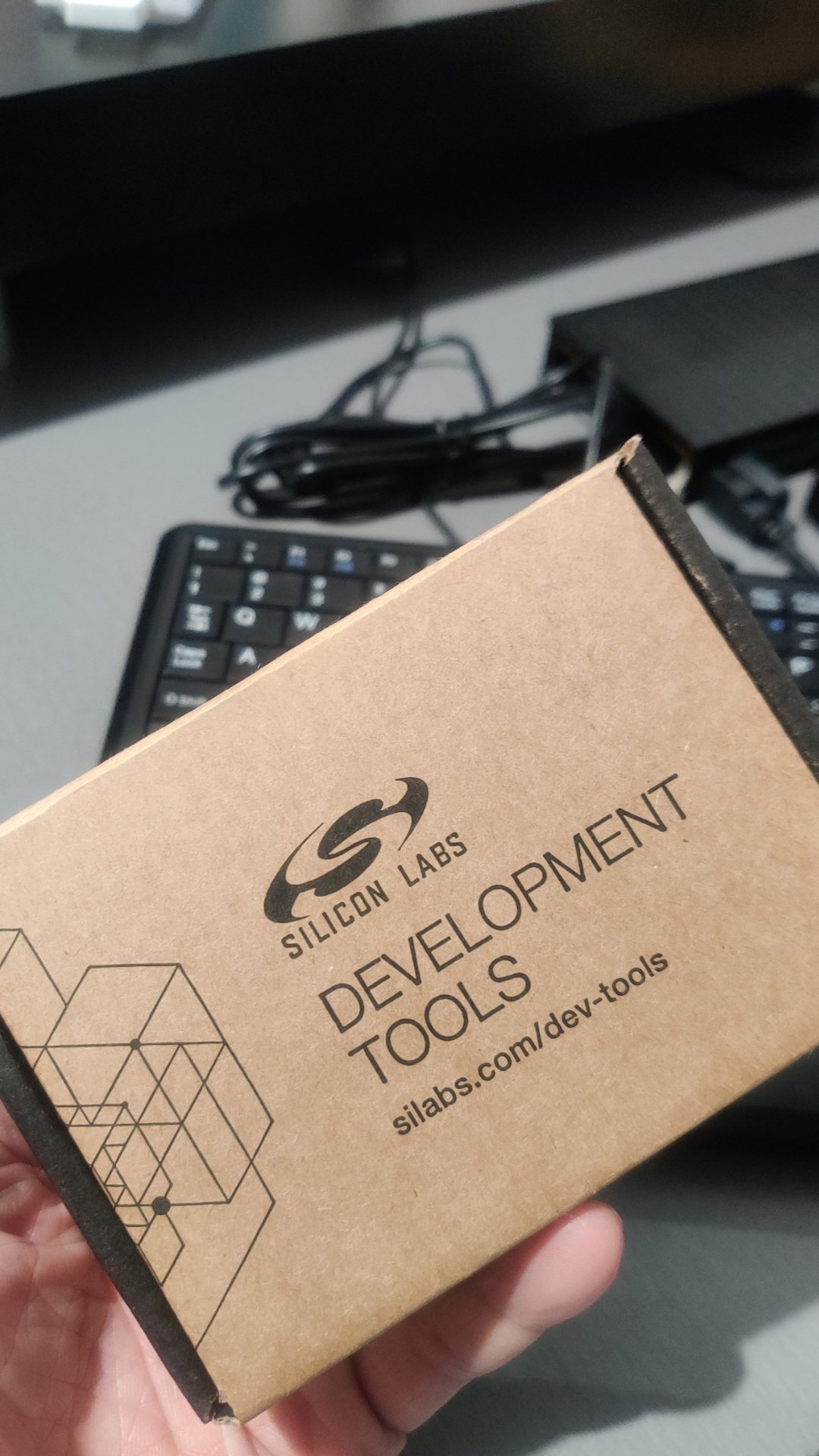
Just came in from Mouser! Silicon Labs xG24 wireless development board. At USD79, not cheap but nice list of on-board hardware (+10dBm 2,4GHz radio, 20-bit ADC, 6-axis LMU, microphones, RGB LED…) and understand the supporting dev IDE and demo tools are impressive. Somehow could not scan the device with the EFR Connect app on any of our phones, had to fire up my ‘long forgotten’ Thinkpad X1 WIN11 and install and run the Simplicity Studio 5 (make sure you have a good internet connection! as its pretty big install). Then I uploaded the “Bluetooth SOC Dev Kit” Demo fimware to the board via USB and pow! It was able to run the demos on the Android app. More coming soon as I try to figure out how to test and modify the included C++ machine learning applications like voice command and gesture tracking. The Simplicity Studio IDE is based on Eclipse so that would be handy.
Author: stangeek71
51 year old Electrical/Electronics Engineer, background in industrial servo controls but been developing and pushing industrial gateways for past 15 years. Nowadays, working hard to catch up on machine learning knowledge to develop, test and deploy useful new features for customers of our next gen industrial gateways.
 Machine Learning for IoT .. an old school EEE rite of passage. Learn, Test, Integrate, Test and Deploy Solutions